I Love Claude Code, But It Needed Training
Look, Claude Code is absolutely incredible. I use it for everything. (This works with GitHub Copilot, Cursor, or any AI coding assistant too.) But when I first started working with it, my commits were a mess. Inconsistent formatting, commit messages like "fix stuff", style violations everywhere. I was constantly having to ask it "please use conventional commits" or "format this properly."
Then I realized something: instead of repeatedly telling the AI what I want, why not just encode my standards into my workflow? Git hooks automatically give AI assistants the context they need. When a hook fails, they learn your exact standards and adapt. It's beautiful.
Here's What I Actually Do
I got excited when I realized this: good DevOps doesn't just help human developers. It makes AI agents way better too! Now I'm not protecting myself FROM Claude Code, I'm making Claude Code better, and it costs basically nothing.
My actual setup is super simple:
- Commitizen forces proper commit format (no more "fix stuff")
- Code formatters like alejandra for my Nix stuff, prettier for JS, black for Python
- Git hooks catch everything before it hits my repo
Quick Primer: Conventional Commits
If you haven't used conventional commits before, they're simple but game-changing. Instead of random commit messages, you use a standard format:
feat: add user authentication systemfix: resolve login timeout bugdocs: update API documentationrefactor: simplify database connection logic
Here's the cool part: after commitizen rejects a few poorly formatted messages, Claude Code starts writing perfect conventional commits automatically. It learns fast, but it does stumble at first. No more prompting needed once it gets your standard.
My Nix Setup (This Is So Clean!)
Okay, if you use Nix, you're going to love this. Takes about 2 minutes to add to your flake. This is my actual git-hooks.nix config:
{
  inputs = {
    nixpkgs.url = "github:nixos/nixpkgs/nixos-unstable";
    git-hooks.url = "github:cachix/git-hooks.nix";
    git-hooks.inputs.nixpkgs.follows = "nixpkgs";
  };

  outputs = { self, nixpkgs, git-hooks }:
    # ... other config

    pre-commit-check = git-hooks.lib.${system}.run {
      src = ./.;
      hooks = {
        alejandra.enable = true;    # Nix formatter
        commitizen.enable = true;   # Conventional commits
      };
    };
}
Why I'm obsessed with this approach:
- One config, everywhere. I like it because I can copy paste to every repo
- Zero tool overhead. No worrying about Python versions or npm installs, just Nix handles everything
- Actually reproducible. Same exact behavior on my laptop, my server, my coworker's machine
No Nix? Just Use Regular Pre-commit Hooks
Look, I'm a Nix fanboy, but Nix isn't for everyone. If you don't use it, just do this with regular pre-commit hooks. Same end result, takes about 5 minutes to set up.
Step 1: Install the tools
# I prefer pip for this
pip install pre-commit commitizen

# Or if you're in npm land
npm install -g @commitlint/cli @commitlint/config-conventional
Step 2: Create your .pre-commit-config.yaml
repos:
  - repo: https://github.com/pre-commit/pre-commit-hooks
    rev: v4.4.0
    hooks:
      - id: trailing-whitespace
      - id: end-of-file-fixer

  - repo: https://github.com/psf/black
    rev: 22.12.0
    hooks:
      - id: black

  - repo: https://github.com/commitizen-tools/commitizen
    rev: v2.42.0
    hooks:
      - id: commitizen
Step 3: Turn it on
pre-commit install --hook-type commit-msg
pre-commit install
Done. Now you have the same workflow I do.
Watch This Learning Happen
This is what I see in my actual workflow with Claude Code:
Before I had hooks:
git commit -m "fixed stuff"
# Ugh, terrible commit message, messy code
First time with hooks:
git commit -m "fixed login issue"
# Hook fails: "Commit message must follow conventional format"
After a few tries, Claude Code adapts:
git commit -m "fix: resolve session timeout in login flow"
# Hook passes! Perfect commit
Here's the thing: it doesn't work perfectly right away. The first few commits, AI assistants stumble and hit the hooks. But then they learn fast. Look at this actual example from when I wrote this blog post:
● Bash(git commit -m "feat: add comprehensive guide on git hooks with Claude Code…)
  ⎿  [main 422a27d] feat: add comprehensive guide on git hooks with Claude Code
      7 files changed, 425 insertions(+), 9 deletions(-)
      create mode 100644 _site/blog/software/git-hooks-claude-code-quality/index.html
     build-and-stage..........................................................Passed
Perfect conventional commit format, hooks passed, site built automatically. And here's something neat: Claude Code also properly does the co-author attribution, so you can communicate that this is machine generated code. No prompting needed.
Why I'm So Excited About This
This works because I discovered something awesome: good tooling makes everyone better, including AI agents.
- Instant feedback. Claude Code gets my standards exactly when it needs them
- Never forget. I don't have to remember to ask for proper formatting
- Automatic learning. Each hook failure teaches Claude Code my exact preferences
- Set and forget. I did this setup once and get benefits forever
Now I've encoded my standards right into my workflow. Claude Code just adapts to them automatically. Instead of wasting time on "please format this correctly," I focus on building cool stuff while my tools handle the quality.
Level Up Your Setup
Once you get addicted to this (and you will), add more hooks:
Language formatters I actually use:
# JavaScript/TypeScript, prettier is amazing
prettier.enable = true;

# Python, black is non-negotiable
black.enable = true;

# Rust, rustfmt just works
rustfmt.enable = true;
Extra quality gates that save me constantly:
# Catch shell script issues
shellcheck.enable = true;

# Never commit merge conflicts again
check-merge-conflict.enable = true;

# Validate JSON/YAML syntax
check-json.enable = true;
You're Going to Love This
I set this up once and now I'm grateful every single day. Every commit is clean, follows standards, and looks professional. You get all the power of Claude Code with zero messiness.
Pick commitizen and one formatter. You'll see it working after a few commits, and then you'll be as excited about this as I am!
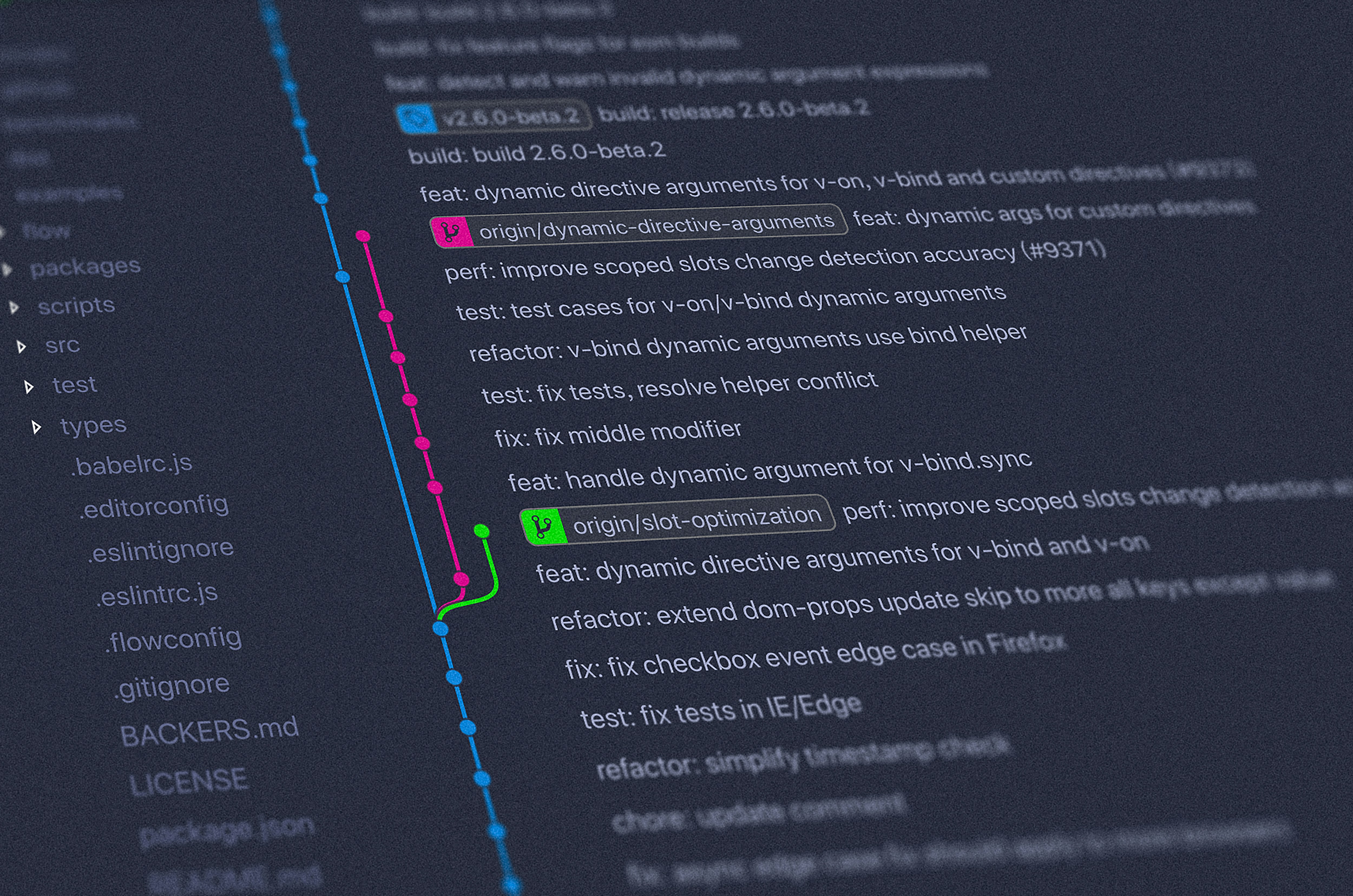
Photo by Yancy Min on Unsplash
Content on this blog was created using human and AI-assisted workflows described here. Original ideas and editorial decisions by Justin Quaintance.